
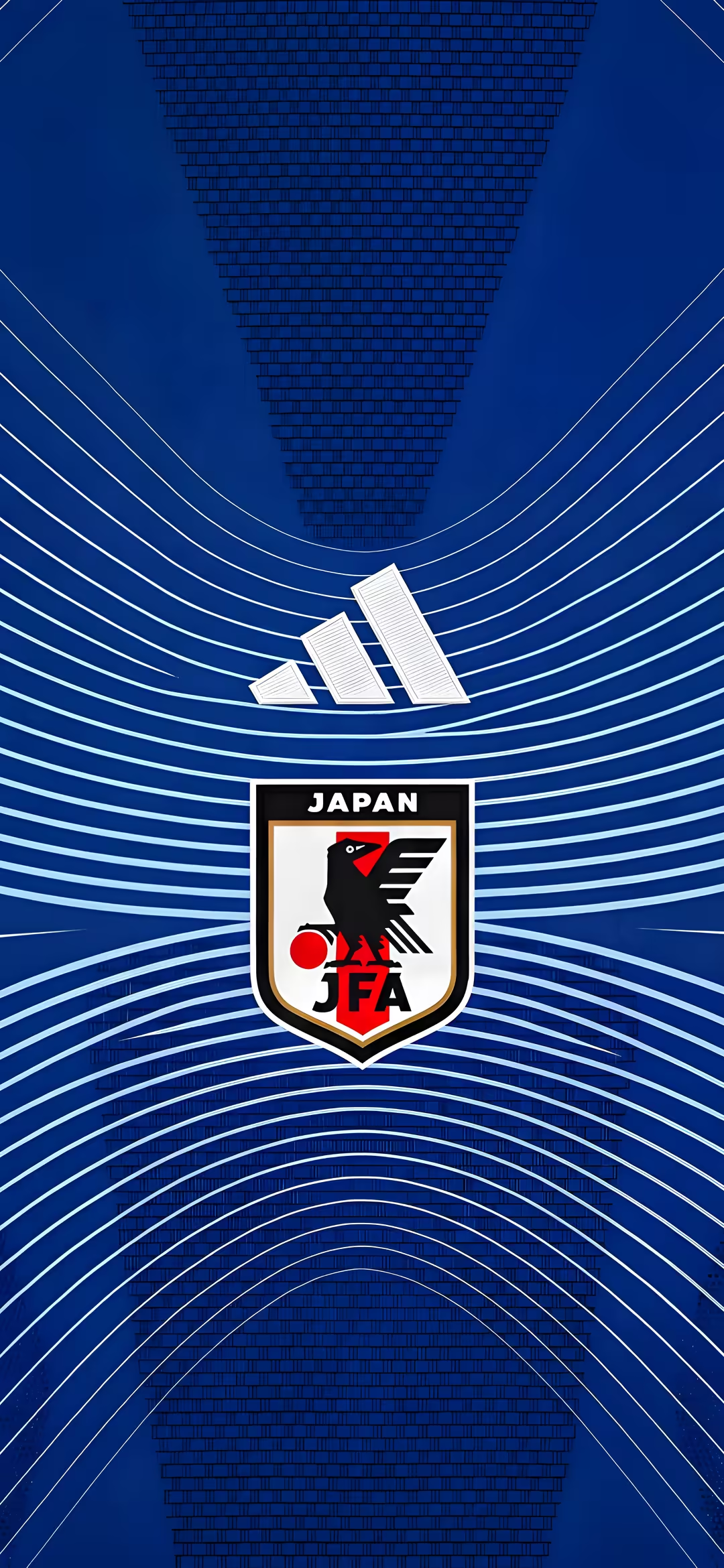
Vertical deep blue background with curving white lines, a white Adidas logo, and the Japan Football Association (JFA) crest featuring the black Yatagarasu crow and red sun.
Show your support for the "Samurai Blue" with this striking Japan national football team wallpaper. Set against a deep, rich blue background, the design features sweeping, dynamic white lines that create a sense of motion and energy, perfectly echoing the modern aesthetics of the team's official kits. At the center sits the proud crest of the Japan Football Association (JFA), prominently displaying the iconic Yatagarasu—the three-legged crow from Japanese mythology—clutching a red sun, symbolizing divine intervention, guidance, and victory. Just above the crest, the classic white Adidas performance logo completes the authentic look. Perfect for any passionate fan of Japanese soccer, this high-contrast, sleek background captures the true spirit and style of the national squad. Whether you are following their journey in international tournaments or simply want to display your team loyalty every day, this visually engaging design is perfectly optimized for mobile phone screens. The clean yet bold aesthetic provides a stunning backdrop that will make your device stand out.
Yes, every wallpaper on Wallora is 100% free to download. No signup, no email, no account required, no paid tier. Tap any wallpaper, choose a resolution, and the file downloads straight from our CDN.
The "Title Japan National Football Team JFA Wallpaper" wallpaper is available at 2880×6240 pixels (portrait (mobile) orientation) in PNG format. The full-resolution file is approximately 22.4 MB. We also generate scaled-down variants on the fly for faster downloads.
This wallpaper is sized for phone screens — perfect for iPhone, Android, and tablets in portrait orientation.
On iPhone: open the wallpaper page, tap the download button, then open the Photos app and choose 'Use as Wallpaper' from the share menu. On Android: download the wallpaper, then open Settings → Wallpaper (or long-press your home screen) and pick the downloaded image. On Windows: right-click the downloaded file and choose 'Set as desktop background'. On macOS: open the image in Preview and choose File → Set Desktop Picture.
Wallora wallpapers are released for free personal and creative use. You can use them as your phone wallpaper, desktop background, video-call backdrop, or in personal projects without attribution.