
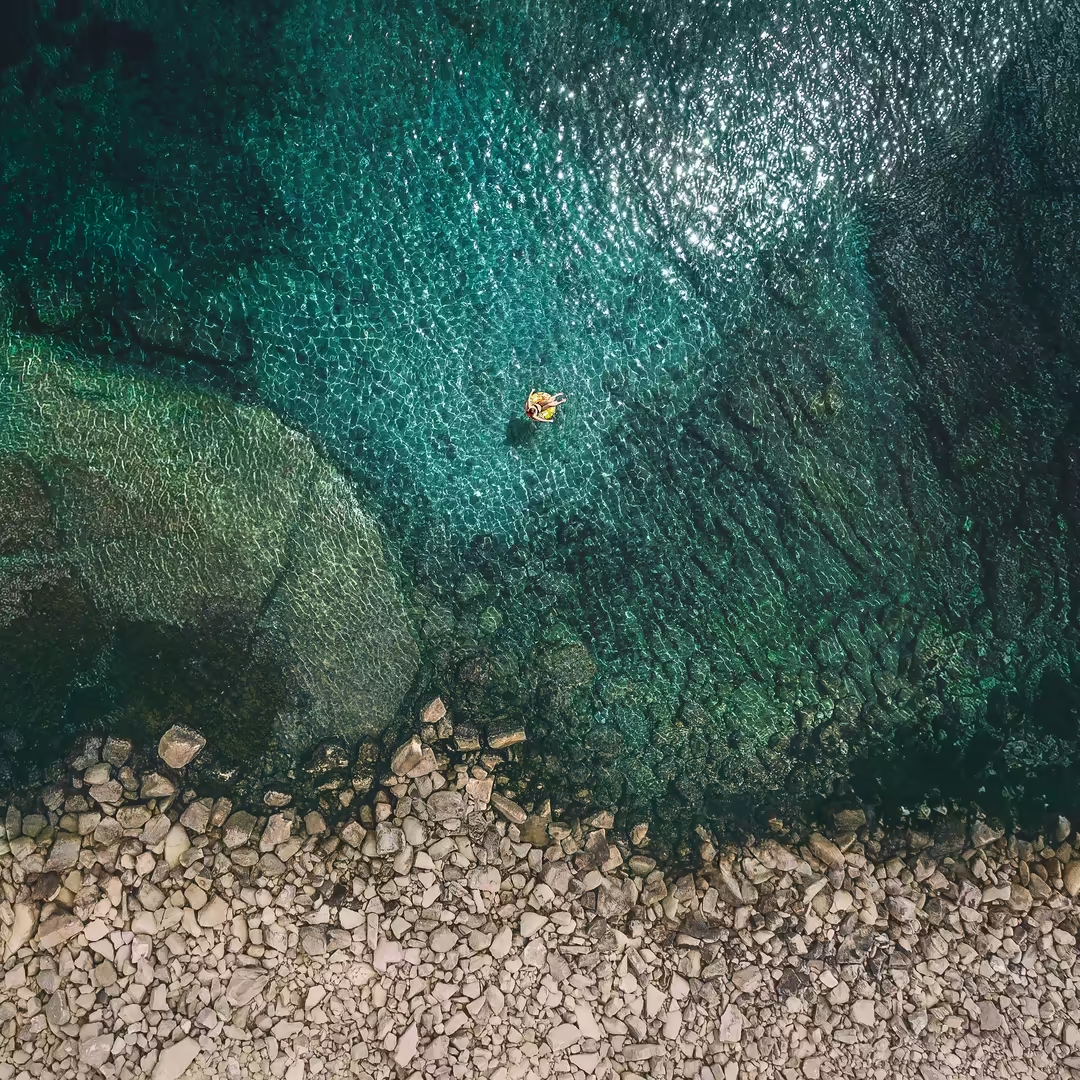
Aerial view of a solitary person floating on a yellow raft in crystal turquoise waters near a rocky pebble beach shoreline
Aerial View Of Turquoise Waters is a QHD square wallpaper crafted for any device, including profile backgrounds. The image measures 3208×3208 pixels and is offered as a free, no-watermark download from Wallora. Filed under cities → street photography, this background sits among our most-loved street photography picks. Available in QHD (3208×3208) and HD variants — pick the size that matches your screen. Themes featured here include aerial-view, ocean-water, beach-shore, drone-photography, coastal-landscape, making it an ideal match if you're searching for aerial-view backgrounds.
Yes, every wallpaper on Wallora is 100% free to download. No signup, no email, no account required, no paid tier. Tap any wallpaper, choose a resolution, and the file downloads straight from our CDN.
The "Aerial View of Turquoise Waters" wallpaper is available at 3208×3208 pixels (square orientation) in JPG format. The full-resolution file is approximately 3.8 MB. We also generate scaled-down variants on the fly for faster downloads.
This square wallpaper works on virtually any device, including profile backgrounds and smartwatches.
On iPhone: open the wallpaper page, tap the download button, then open the Photos app and choose 'Use as Wallpaper' from the share menu. On Android: download the wallpaper, then open Settings → Wallpaper (or long-press your home screen) and pick the downloaded image. On Windows: right-click the downloaded file and choose 'Set as desktop background'. On macOS: open the image in Preview and choose File → Set Desktop Picture.
Wallora wallpapers are released for free personal and creative use. You can use them as your phone wallpaper, desktop background, video-call backdrop, or in personal projects without attribution.